For houseplants, gardens and vegetable patches
Find out what's wrong with your plant, and how to save it.
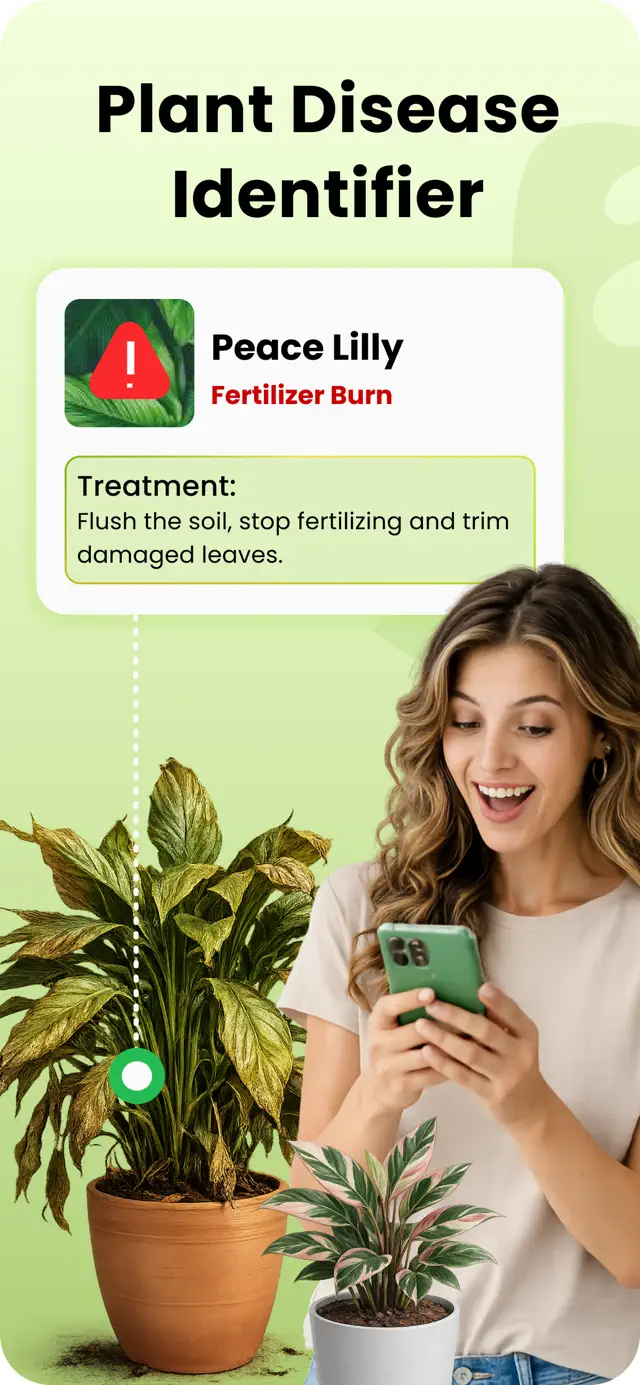
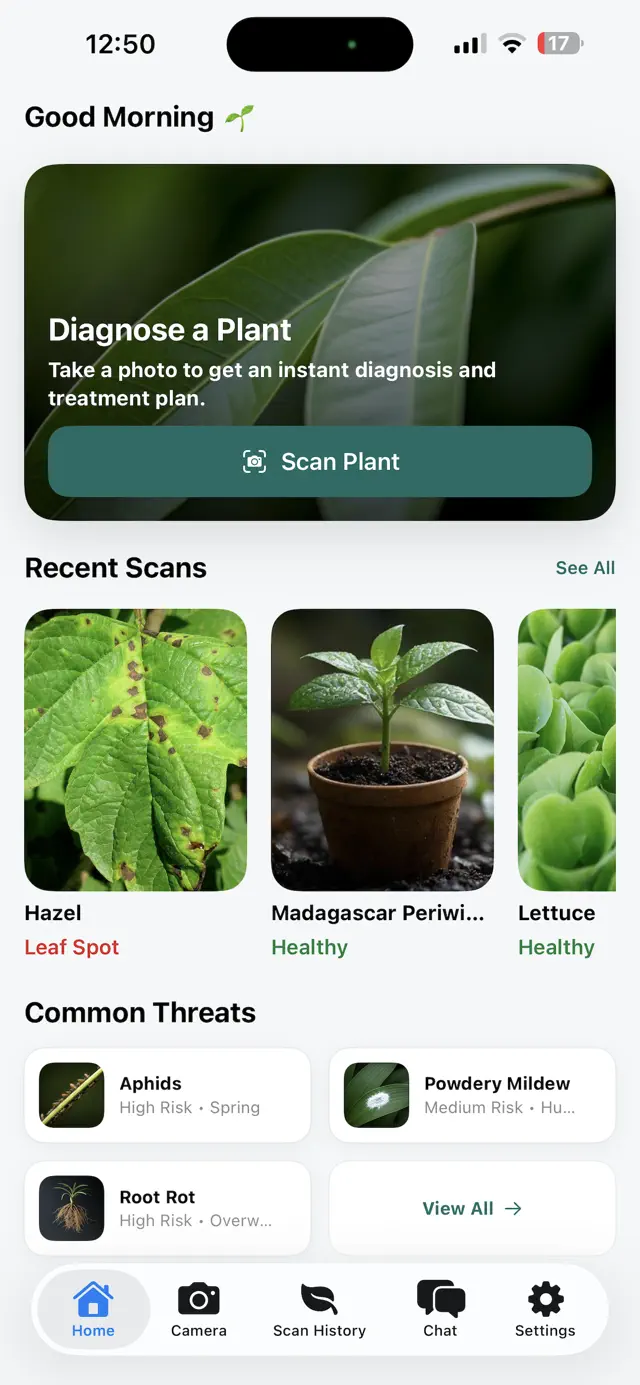
Take a photo of the leaf that worries you. The app names the plant, tells you what is wrong and gives you a rescue plan to follow, in your language.

 Android: coming soon to Google Play
Free to download, with free uses every day. Premium removes the daily limit.
Example result
Solanum lycopersicum
Tomato
- Problem
- Early blight, likely
- Severity
- Moderate
Rescue plan, gentlest first
- Pick off the spotted lower leaves and bin them, not the compost.
- Water the soil in the morning and keep the leaves dry.
- If new spots appear within a week, use a fungicide approved for tomatoes. Follow the label, wear gloves, and wait the stated time before picking.
How it works
From a worrying leaf to a plan you can follow
-
Photograph the problem
Use the camera or a photo you already have. Get close to the spots, the bugs or the yellowing, in good light.
-
See what is wrong
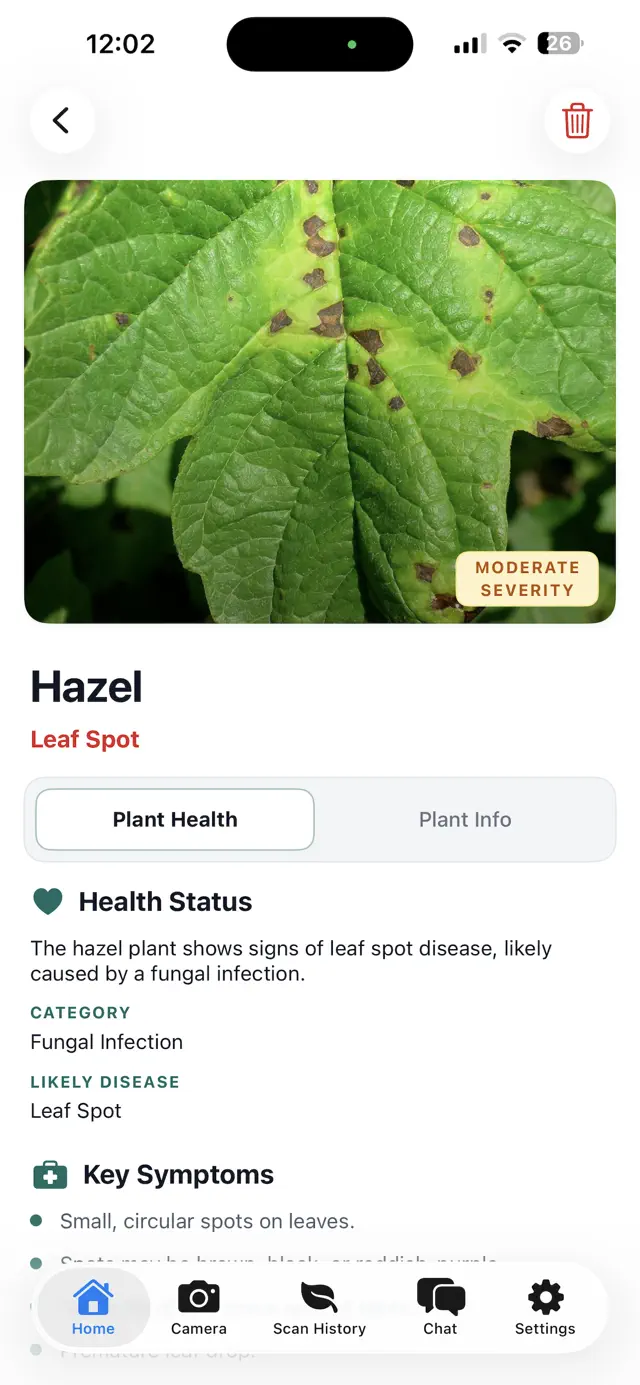
The plant's common and Latin name, the most likely problem, how serious it is and why it happens. When the app is unsure, it says so.
-
Follow the rescue plan
Clear steps with the gentlest option first, and a safety line on anything chemical. Then take a new photo later to see if it is working.
Inside the app
Screens from the App Store
Scroll sideways to see more.

Field notes
Made for the plants, and the people, in your home
A specific answer, not a checklist
You get the most likely cause for this plant and this photo. If the photo is not clear enough, the app tells you how to take a better one.
Safer options first
Tell the app you have pets or children at home and the plan leads with treatments that are safe around them.
Ask Sprouty
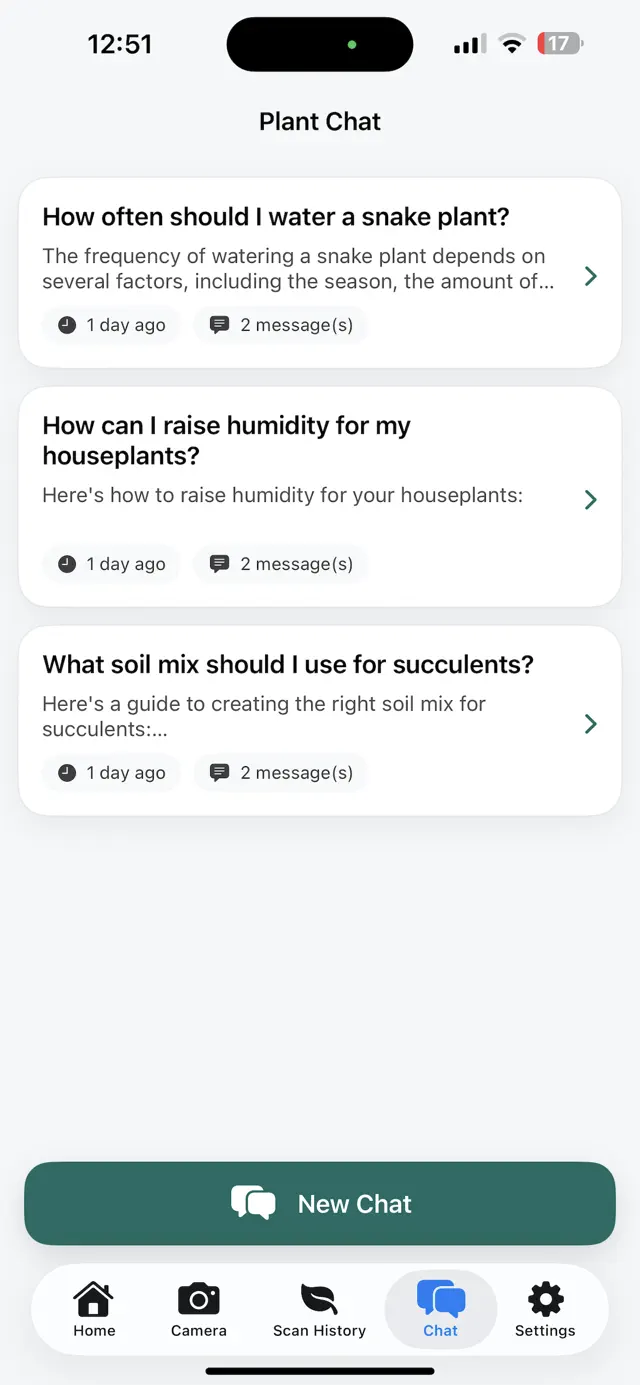
A plant care assistant for the questions that come after: watering, repotting, a bug you can't name.
Your scans stay on your phone
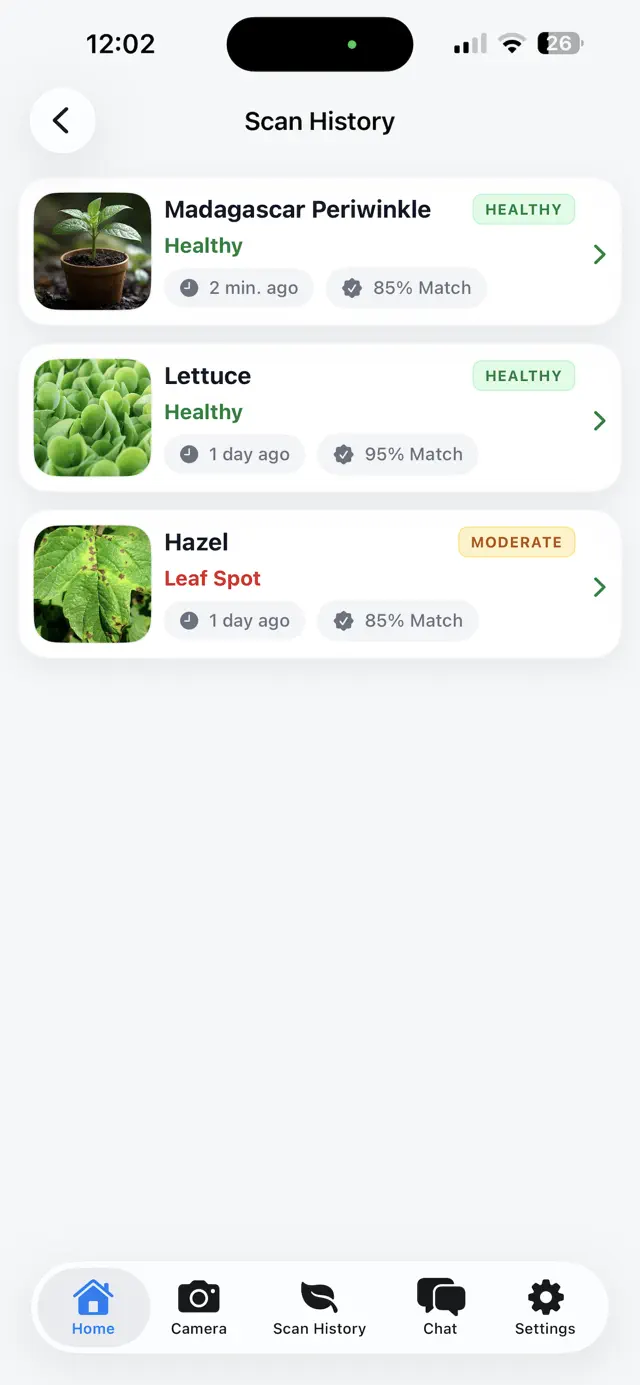
History is saved on your device. Photos are sent for a diagnosis only after you agree, and we don't keep them. Privacy policy
Questions
Before you download
Is it free?
Yes, to download and to try. You get free uses every day, shared between scans and questions to Sprouty; the app shows how many are left. Premium is an optional weekly or yearly subscription that removes the daily limit. The price is shown in the app before you pay.
Can the result be wrong?
Yes. The diagnosis comes from AI, and AI can be wrong, especially with blurry photos or problems that look alike. The app tells you how confident it is and says when it is unsure. For a valuable plant or a crop, check with a garden centre or plant expert before using any chemical.
Which plants does it work on?
Houseplants, garden plants, vegetables, fruit and herbs. A sharp photo of the affected leaves in daylight gives the best result.
Which languages does it speak?
From version 2.0, results and chat come in your phone's language, chosen from 30 languages, and you can change it in the app. Earlier versions answer in English.
Is there an Android version?
It is on the way. Google Play does not have it yet; this page will link to it as soon as it does.
What happens to my photos?
A photo is sent to be diagnosed only after you agree in the app. It passes through our server to Google's Gemini AI and is not stored by us. Your scans are saved on your phone. The privacy policy has the details.
How do I cancel a subscription?
Through your App Store or Google Play account. The support page shows the steps.